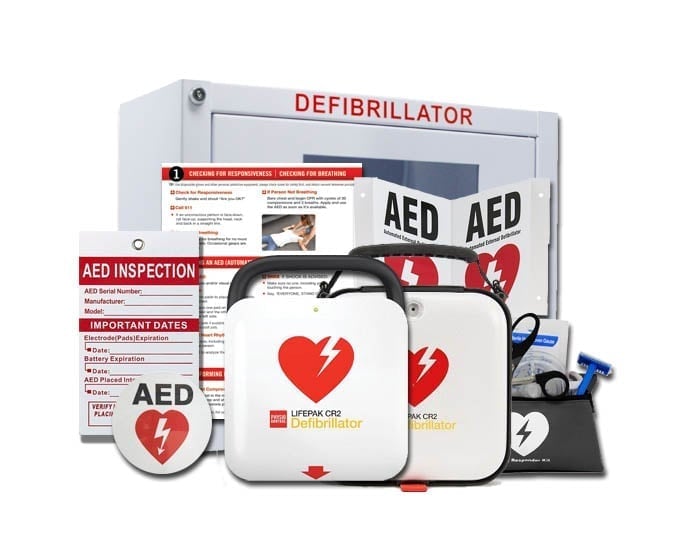

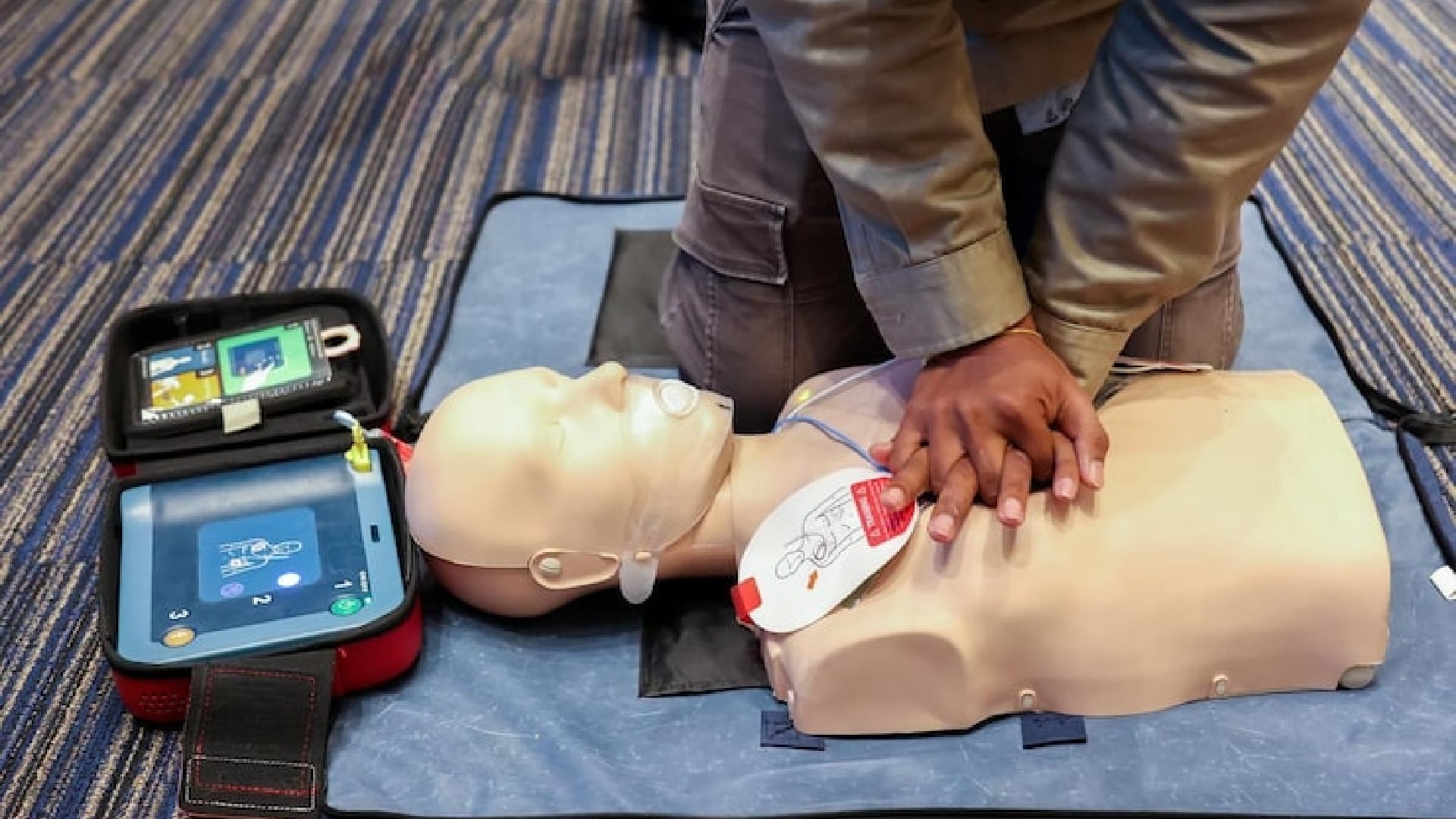
An AED beeping usually means it has detected an issue during its self-checks. These built-in tests run on a daily, weekly, and monthly cycle to ensure the unit is always ready for an emergency. The sound may seem urgent, but it usually signals a small problem. Quick maintenance can fix it. The AED checks many internal parts. So, finding the exact reason for an alert can take some investigation.
An AED machine monitors itself continuously. This way, it stays ready to perform reliably when you need it most. When the device beeps, it signals the owner that an automated check found an issue. This could be with the battery, electrode pads, or internal system status. The alert may be on, but it usually indicates a routine maintenance issue. Fixing it quickly keeps the AED machine ready for emergencies.
Possible reasons for a defibrillator to beep
A defibrillator that beeps every few seconds or minutes means you should pay attention. The sound is a warning you shouldn’t ignore. It usually shows a specific issue the device has found during its checks. In most cases, the cause is one of a few common and easily identifiable problems.
Low/Expired Battery
A beeping AED usually means the battery is weak or nearly dead. This signals that it needs a replacement. This alert keeps the device powered. That way, it’s ready to work in an emergency when every second matters.
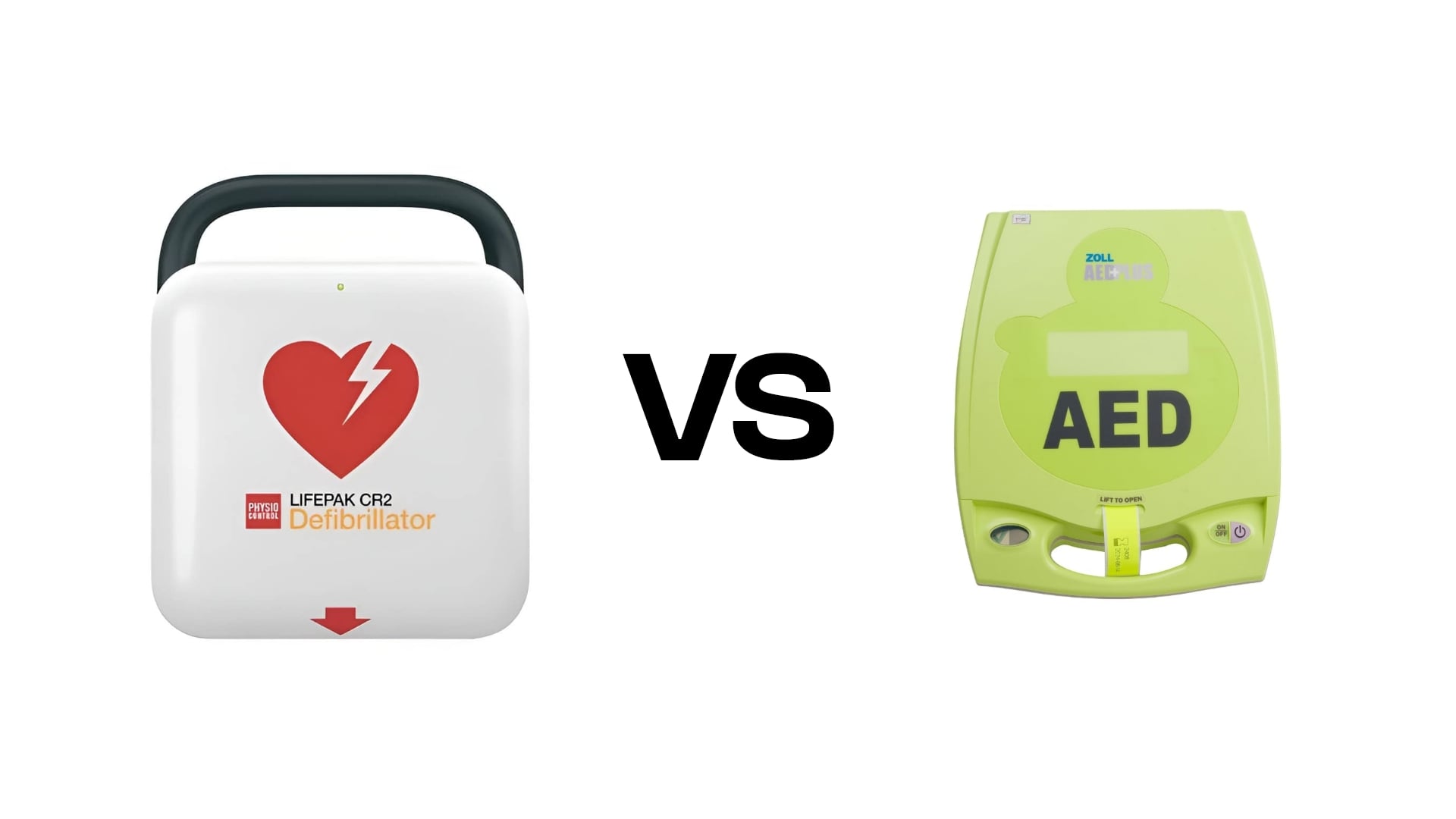
The beeping pattern varies between AED models. For example, a ZOLL AED Plus chirps about once a minute when the battery is low. A Philips HeartStart OnSite beeps about every thirty seconds. It does this for the same reason.
Expired Electrode Pads
AED electrode pads last about two to five years. This is because the adhesive gel dries out over time. When the gel breaks down, the pads may not stick well in an emergency. So, replacing them on time is crucial for good performance.
AEDs warn you when their pads are getting old. This gives you time to replace them. Keeping the device ready is important for effective use when needed.
Out-of-Date Software
A defibrillator may beep to show that a software update is required. Wi-Fi models let you update quickly and easily. If you’re unsure about the steps, reach out to the manufacturer. It’s the best way to make sure it’s done right.
Disconnected Electrode Pads
Keeping the pads connected lets the AED run self-checks. This confirms the system is working properly. If the pads loosen or disconnect, the device will alert you. You’ll know that something needs attention.
Internal Errors
An AED may beep because of a software glitch or an electrical issue inside its circuits. These issues are more than regular maintenance. If not fixed, they can impact the device’s reliability in emergencies.
Get certified in CPR
CPR & AED Training
3-hour in-person training with a 2-year nationally recognized certification.
CPR, AED & First Aid Certification
Instructor-led on-site. Practice on real manikins and AED trainers.
How do you stop an AED from beeping?
To stop the beeping, you’ll need to do some basic troubleshooting. This can help you find the problem and fix it fast.
Begin by looking at the AED’s storage conditions. The device can handle short bursts of extreme temperatures. But, prolonged heat or cold might lead to internal problems. Moving it to a more controlled environment often prevents these problems from developing.
Check the defibrillator for on-screen alerts. Some models show clear messages, like battery warnings. Others use coded errors that need a manual to understand. Devices like the Philips FRx or OnSite let you press the blue information button. This will display the specific issue.
If the AED’s screen is blank or not showing any alerts, you may need to start a manual self-test. On models like the Defibtech Lifeline, hold the power button. The device will then announce any issues, like a low 9V battery.
Many AEDs use a similar approach to start a self-test. For example, to start the check on a ZOLL AED Plus, press and hold the power button for several seconds. In contrast, for the Philips FR2, you need to remove and then reinsert the battery. Check the user manual for the exact steps. Each model is a bit different.
If you see a problem, try reconnecting the pads. You can also swap out the battery. If that doesn’t work, contact the manufacturer for help with internal issues. These actions often solve the problem. Once the underlying cause is corrected, the AED should stop beeping.
How do I turn off my AED alarm?
But what happens if you’ve already found the problem and the beeping still continues? A low battery alert is annoying. Waiting weeks for a replacement while the AED keeps chirping can be very frustrating.
Some manufacturers say to take out the battery and put the AED out of service during maintenance. Still, it’s often safer to keep it ready for use. The unit will keep working even if it beeps, unless there’s a serious software or hardware issue. Fast shipping for replacement parts cuts downtime. This keeps your AED ready for emergencies.
AED cabinet alarms can also add to the frustration, as they activate the moment the door is opened. Some models stop making noise when the door closes. Others need the cabinet key to reset the sound. If those methods don’t work, the alarm typically stops on its own after a brief period.
RECOMMENDED
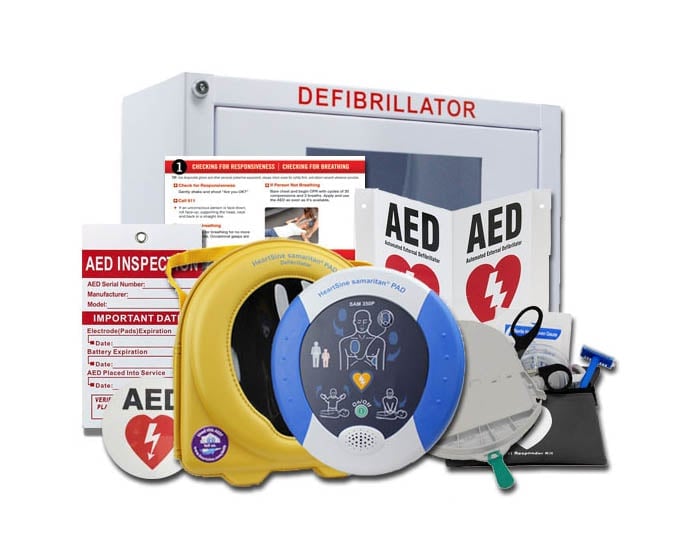
HeartSine Samaritan 350P AED Package
Compact, fully-automatic AED designed for first-time responders. Pads, battery, carry case and wall sign included.
How to prevent your AED from beeping.
To avoid unexpected beeping, regularly maintain your AED. Check it on time to keep it working properly.
- Keep track of your end dates and replace parts as needed.
- Keep your AED in a dry, temperature-controlled location.
- Keep your pads connected to your device.
- Install all new software updates as they become available.
Maintaining AEDs can be tough. That’s why a dedicated management service is often easier and more reliable. AED Total Solution provides quick alerts, easy access to replacement parts, and expert assistance. This helps keep your device ready for emergencies.
Never ignore your AED’s beeping, as it’s designed to alert you to issues that could affect its readiness. The sound is a key safeguard. It makes sure the device is ready to act during a cardiac emergency.
FAQs
Why is my AED beeping?
An AED beeps when it finds something that needs attention during self-checks. This may be a low battery, expired pads, disconnected components, or a software issue. The device uses the alert to make sure it stays fully prepared for a cardiac emergency.
How do you stop an AED beeping?
To stop the beeping, identify the cause by checking for alerts, verifying pad connections, examining battery status, or running a manual self-test. Once you address the issue, like changing the battery, reconnecting pads, or fixing an internal problem, the beeping will stop by itself.
Can extreme temperatures cause an AED to beep?
Yes. AEDs can handle brief heat or cold exposure. Yet, staying in extreme temperatures for too long can trigger internal warnings. Moving the unit to a more stable environment often resolves temperature-related alerts.
Why do AED pads cause beeping when they expire?
Pads contain adhesive gel that gradually dries out over time. As you approach the end, the AED warns you. This way, you can replace it before it becomes unreliable in an emergency.
What should I do if my AED screen is blank but it keeps beeping?
A blank screen may need a manual self-test. Many models, such as the Defibtech Lifeline, allow you to start the test by holding the power button. The device will then announce any issues it finds.
Can the AED still work while it’s beeping?
In most cases, yes. The AED will function unless there is a major software or circuitry problem. Yet, it’s best to fix the issue as soon as possible to ensure total readiness.

Not sure which AED or training fits your needs?
An MDSI medical-oversight expert walks you through it — no obligation.
Talk to an expert →Conclusion
An AED must stay in good shape. The beeping alerts you that it needs attention. A low battery, expiring pads, a temperature issue, or a connection problem can all cause issues. Responding quickly keeps the device ready for a real emergency. Keep your AED well-maintained and fix issues quickly. This way, you can count on it to work when you need it most. Treat every alert as a safeguard, and your AED will always be ready to save a life.